Video Strategy
Accessible business video
Plan captions, visual descriptions, transcripts, readable graphics and player checks for a business video people can use in different ways.

Archive
Video Strategy
Plan captions, visual descriptions, transcripts, readable graphics and player checks for a business video people can use in different ways.
Video Strategy
Define what each video revision round includes, who sends comments and when a change needs a new agreement.
Production Planning
Prioritise essential shots, group them by setup and record usable takes so a short filming window yields a complete answer.
Video Strategy
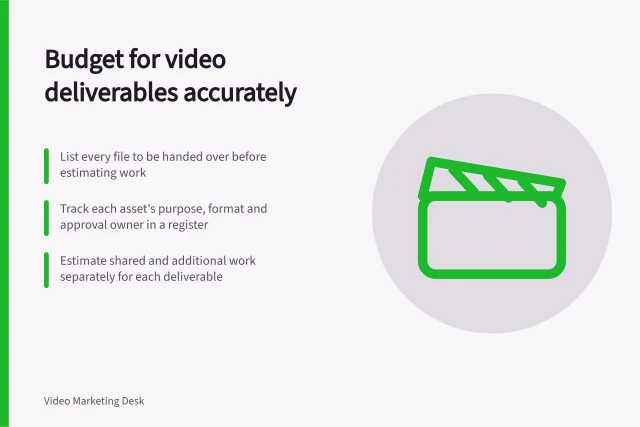
Create a deliverable register, trace each video asset to its work and keep additions visible in the budget.
Video Strategy
Plan a business video from one clear answer through spoken script, visual sequence, factual review and production handover.
Sound and Lighting
Plan alternate takes and relevant supporting views, check them on set and protect the original media before handover.
Editing
Check authored video text against changing backgrounds, then review size and reading time in the final player layout.
Production Planning
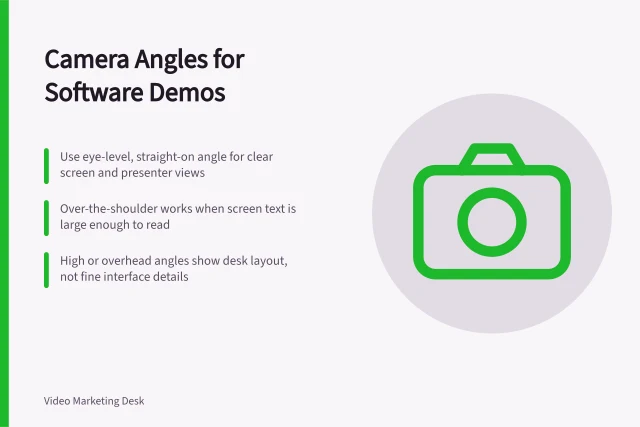
For a software demonstration, the viewer needs to understand the screen and the person explaining it.
Hosting and Delivery
Choose an accurate video poster that explains what viewers will see, stays clear on the page and works in the player.
Video Strategy
Match a customer question to a demonstration, screen recording, interview or written answer, then check what the audience needs to see and read.
Sound and Lighting
Choose a lapel microphone when the speaker needs to move and you can attach the mic cleanly.
Video Strategy
Choose demonstration steps by the buying decision they inform, the action they reveal and the conditions they need to show.
Video Strategy
Choose one software walkthrough task by defining the viewer, starting point, screen changes and recognisable result.
Editing
Choose cuts, dissolves and section breaks according to what the viewer needs to understand, then check the join in the final edit.
Production Planning
Compare internal and outsourced video production using the same brief, full resource estimate, deliverables and delivery constraints.
Hosting and Delivery
Compare hosted video embeds with direct file delivery by playback, accessibility, maintenance, loading and failure handling.
Video Strategy
Compare video production quotes on deliverables, client inputs, exclusions, revisions and handover before choosing an offer.
Video Strategy
Group website videos by page purpose, use comparable denominators and avoid misleading site-wide rankings.
Production Planning
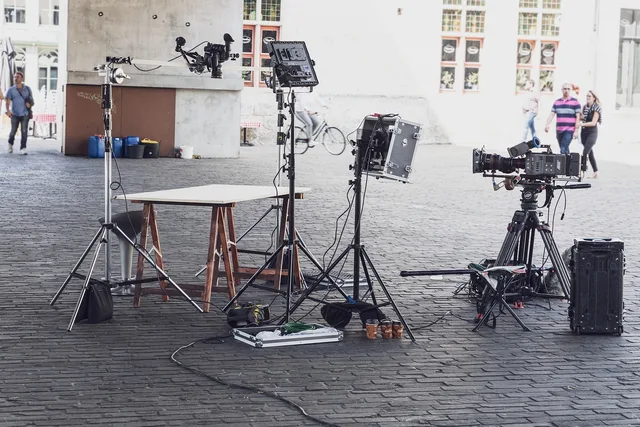
Use a location checklist to assess access, sound, picture, safe movement and information in frame before a small video shoot.
Editing
Turn final captions into a clear transcript with speaker labels, useful visual notes, readable paragraphs and an easy-to-find page location.
Editing
Make a short video preview that represents the full answer and keeps essential product, interview or result conditions visible.
Video Strategy
Plan a customer case study video around a genuine account, supportable results, clear permissions and an edit that preserves context.
Editing
Find the strongest complete answer in an interview, trim repetition and check that every cut preserves the speaker’s meaning.
Video Strategy
Decide when customers need a scannable written guide, when video adds useful motion and how to keep both answers consistent.
Video Strategy
Define a useful viewing point for a website video, separate it from playback starts and interpret progress data carefully.
Editing
Check interview joins, supporting footage, graphics, captions and short cuts against the customer’s account and evidence.
Editing
A practical editing workflow for making business videos easier to follow, from the first rough cut to a review of the final export.
Sound and Lighting
A glossy package or metal product reflects the room, light source and camera.
Editing
Find complete interview answers with a timecoded log, check their original context and review each excerpt before reuse.
Editing
Fix uneven dialogue by identifying why the level changes, adjusting clips or phrases, then measuring the finished mix.
Production Planning
Prepare sample data, inspect the capture path and check the export so a software tutorial does not reveal private information.
Sound and Lighting
Colour shifts make the same product look like several versions.
Production Planning
An office can be a workable filming location if the speaker and product remain clear from shot to shot.
Video Strategy
A client-side process for briefing a video supplier, approving decisions, controlling changes and accepting finished assets.
Video Strategy
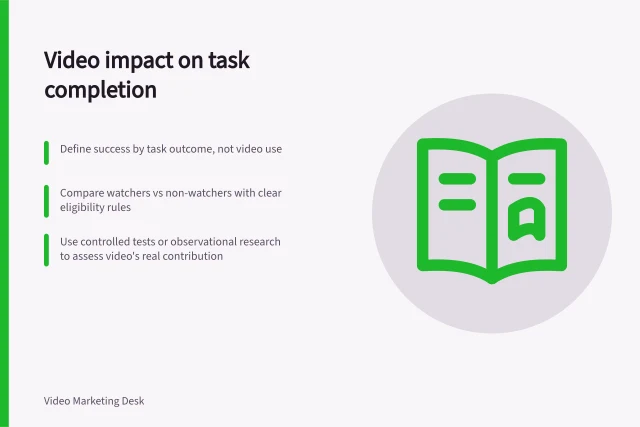
Plan useful measures for videos on your website, from player availability and viewing to task outcomes and decisions.
Video Strategy
Define task success, connect video viewing to the journey and assess contribution without mistaking association for proof.
Video Strategy
Separate participant agreement, customer organisation permission, factual verification and final-cut approval for a case study video.
Video Strategy
Assign review roles, reconcile conflicting comments and send one actionable response to the video supplier.
Video Strategy
Plan a business video shoot around essential footage, approved claims, location access, participants and a workable day plan.
Production Planning
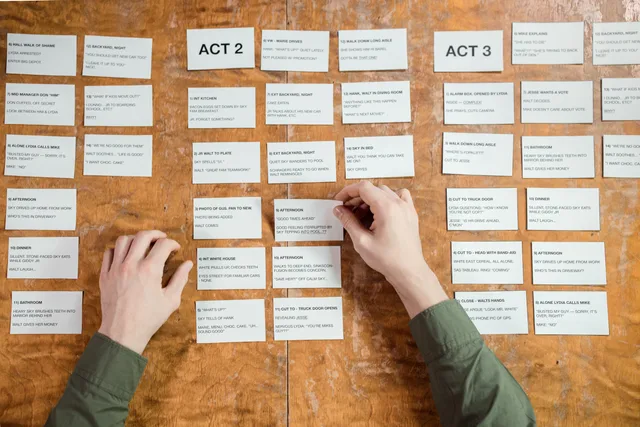
Use a rough storyboard to expose missing footage, unclear claims and visual access needs before committing to a business video shoot.
Video Strategy
Map a business video series to distinct buyer questions, make each episode stand alone and connect the answers on your website.
Editing
Identify visual facts the soundtrack misses, choose a description method and leave enough time for listeners to receive it.
Production Planning
Plan readable product close-ups with an orientation view, a sharp detail shot and a clear result.
Sound and Lighting
A window can provide soft light for a speaker, but placing it directly behind them may leave the face too dark.
Scripts and Storyboards
Help employees prepare for a filmed interview with clear topics, participation expectations, claim boundaries and a calm on-camera process.
Scripts and Storyboards
Use open questions and focused follow-ups to record a customer’s real experience without scripting praise or guessing at results.
Video Strategy
Plan a product demonstration around a buyer’s question, with a visible action, inspectable result and clear conditions.
Hosting and Delivery
Keep a video page useful when playback fails with visible written answers, accurate messages and a working alternative route.
Hosting and Delivery
Check delivered video files, editable assets, captions and permitted-use records before accepting a supplier handover.
Sound and Lighting
A clean office voiceover starts with a quiet room, a consistent speaking position and a short test.
Editing
Show each cursor target, selection and result clearly, then check the exported software tutorial at its intended viewing size.
Sound and Lighting
Reduce room echo by moving the interview to a quieter, less reflective space and bringing the microphone closer to the speaker.
Hosting and Delivery
Find what an embedded video loads, defer offscreen work, prevent layout shifts and keep first play usable.
Video Strategy
Audit existing business videos, choose useful new cuts, preserve context and keep every derivative accurate as information changes.
Video Strategy
Find every placement of an outdated product video, choose an accurate replacement and check the routes viewers still use.
Editing
Use the original audience question to review a video export, identify precise revisions and protect the meaning of factual claims.
Editing
Set purposeful review windows, consolidate video comments and give editors clear decisions before the next cut.
Video Strategy
Plan a software tutorial around one task, prepare a safe screen, record readable actions and keep the video accurate when the interface changes.
Video Strategy
Classify customer opinions and measured results, check the data behind each figure, and avoid overstating what a case study proves.
Editing
Show product limitations beside the claims they qualify, and check the impression created by the finished demonstration.
Sound and Lighting
Record speech so the audience can understand it without raising the volume or guessing through room noise.
Scripts and Storyboards
Shape a customer interview into a coherent video story while preserving the speaker’s meaning and checking each result claim.
Editing
Choose a teachable webinar segment, restore its prerequisites and rebuild it as a lesson that works without the full recording.
Video Strategy
Audit a tutorial against a redesigned interface, choose the right update and check its video, written steps and access assets together.
Editing
Decide when to show the speaker, the screen or both, and keep narration aligned with the actions viewers need to see.
Video Strategy
Plan business video around customer questions, useful website pages, accessible answers and a clear process for reviewing each asset.
Hosting and Delivery
Plan video delivery for a website: choose an embed or direct file, then check the player, loading, accessibility and failure route.
Video Strategy
Plan a business video budget and schedule around deliverables, internal effort, approvals, dependencies and changes.
Scripts and Storyboards
Turn product terminology into a clear buyer question, accurate spoken explanation and visual proof without losing important limits.
Editing
Build a term list, verify uncertain speech and edit timed captions without changing technical meaning.