Hosting and Delivery
Part of Video hosting and website delivery: embeds and playback
Comparing embedded video with self-hosted files
Compare hosted video embeds with direct file delivery by playback, accessibility, maintenance, loading and failure handling.
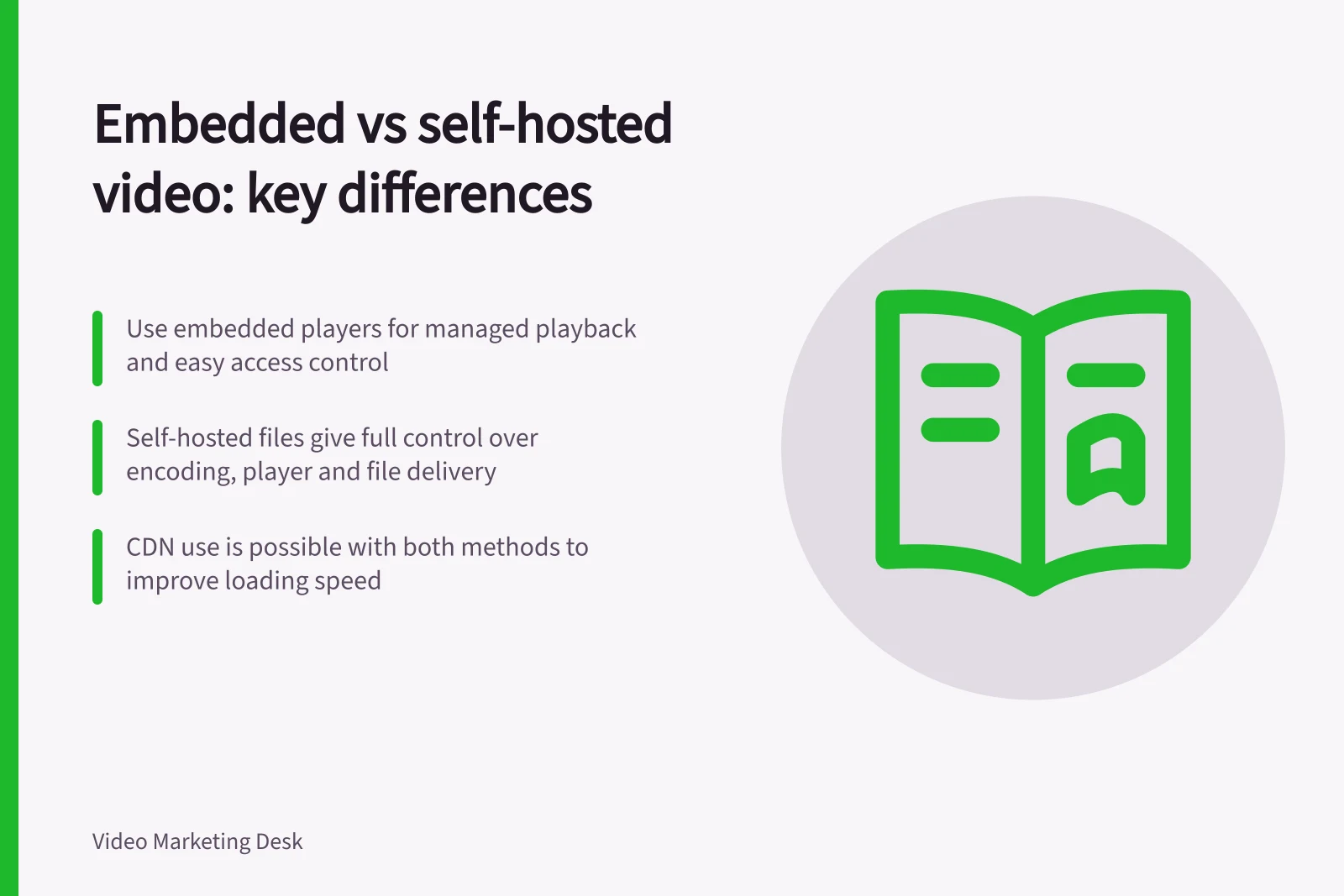
Choose an embedded player when its managed playback and publishing controls meet the job. Choose direct file delivery when your team needs control over the file and player and can maintain them. Compare both routes against the same video and page requirements; a directly served file can still use a CDN.
Make the requirements comparable
List where the video will appear, who may watch, what must work by keyboard, and which captions or description method the finished video needs. Add questions about replacement files, permitted domains, privacy settings, analytics and account access. These are checks for a specific service or implementation, not features every option provides.
| Requirement | Hosted-player embed: verify | Direct file: arrange and verify |
|---|---|---|
| Playback | Intended devices, controls and embed permissions | Playable formats and chosen controls |
| Accessibility | Captions, description method, keyboard use and visible focus | Media assets and accessibility of the chosen player |
| Maintenance | Who can replace a video and whether the embed remains usable | Who updates files, posters, tracks and page references |
| Loading | Player requests and available deferral options | Poster, preload setting and file delivery |
| Failure | A maintained viewing route, if available | Error handling and a usable alternative route |
Count the work after upload
For an embed, inspect current provider documentation and the settings on the account you would use. Confirm that the player is permitted on the intended domain and that the required access features work in the delivered embed. Check what happens when a video is replaced, made private or removed.
For direct delivery, assign ownership of encoding, file URLs, MIME types, player, poster, text tracks and server or CDN availability.
Browsers do not all support the same media formats. A native <video> element can list multiple sources, but someone must prepare and maintain them. Its browser controls are a starting point, not proof that every access requirement is met.
A CDN or separately supplied player may still be a third party in the direct-file route. Equally, an embed is not automatically slow: its impact depends on the service, page and loading method.
Make the decision on a representative page
Use one finished video and the intended page layout for each feasible route. Compare initial loading, time from play action to playback, narrow-screen controls, captions, description where required, replacement and failure behaviour.
Record the owner of each ongoing task. Compare actual quotes and account terms if cost matters; no general price ranking applies.
Choose the route that meets the required viewing experience with maintenance your team can support. Keep essential information in page text whichever route you select.