Production Planning
Part of Planning a business video shoot
Creating a location checklist for a small production team
Use a location checklist to assess access, sound, picture, safe movement and information in frame before a small video shoot.
A location checklist should test whether the planned shots can be made safely and clearly in the space available. Check each filming position, give each problem an owner, and decide how it will be resolved before the crew arrives.
Start with the setups the location must support
Bring the capture brief and mark where each essential interview or action could happen. A meeting room may fit a seated speaker but leave little room for a demonstration.
A reception area may look suitable in a photograph yet be busy during working hours. Record an alternative position for a fragile setup.
Use one row per setup rather than one tick for the whole site:
| Check | What to record | If it fails |
|---|---|---|
| Access | Space controller, permitted hours, entry and equipment route | Obtain approval or choose another space |
| Sound | Machinery, traffic, voices and quiet periods | Move, change the time or test another room |
| Picture | Light, reflections, background and readable details | Change position or planned shot |
| Space and safety | Floor, cables, movement routes and equipment placement | Remove the hazard or redesign the setup |
| Information in frame | Names, screens, documents and people who may appear | Clear, replace or reframe before recording |
This is a filming decision sheet, not a completed workplace risk assessment. The people responsible for the work should assess the actual activity and site.
Walk the crew’s route
Start at arrival. Check loading access, stairs or lifts, doors, storage and where cases can sit without blocking others.
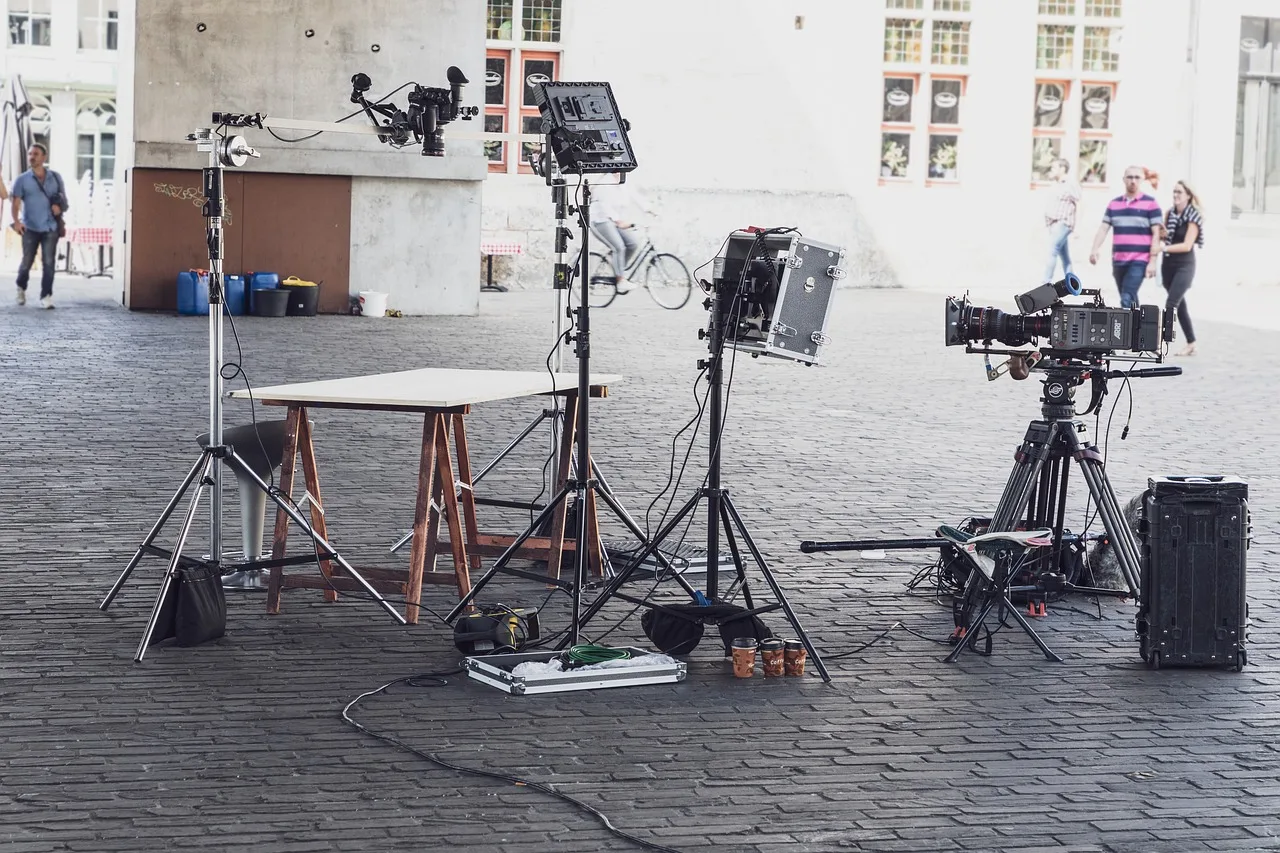
In each room, identify where stands and cables would go and how people normally move through the space. Remove trip hazards or change the setup.
Find out who can approve moving furniture, displaying a product or limiting access during recording. If filming or related activity extends beyond the controlled space, ask the relevant land manager or authority what approval is needed. Crew size alone does not settle that question.
Test from the intended position
Where possible, make a short recording at the planned time of day. Listen for ventilation, nearby conversations and interruptions.
Look for changing daylight, glare, unreadable labels and confidential information on screens or walls. Ask the site contact when normal activity is busiest.
For each constraint, record a specific change: another room, tighter frame, quieter window or revised capture request. Do not mark a setup ready solely because someone hopes to repair it in the edit.
Make a go decision
Mark each essential setup ready, ready after an assigned action or not ready. Add an owner and deadline to every action.
Before confirming the shoot, resolve access, participant use, safe working space and a viable recording position. Keep another location or shot option for the most fragile setup.
Share the current checklist and restrictions with the crew and site contact. Recheck on arrival because bookings, furniture and background activity may have changed.