Editing
Part of Accessible business video
Writing captions that preserve technical terms
Build a term list, verify uncertain speech and edit timed captions without changing technical meaning.
Build captions from the final audio. Check every term whose spelling or meaning matters. A speech-recognition draft can save typing, but it cannot reliably settle a product name, acronym, unit or negative instruction. Captions must represent the soundtrack in time with the speech without silently changing the speaker’s claim.
Prepare a term list
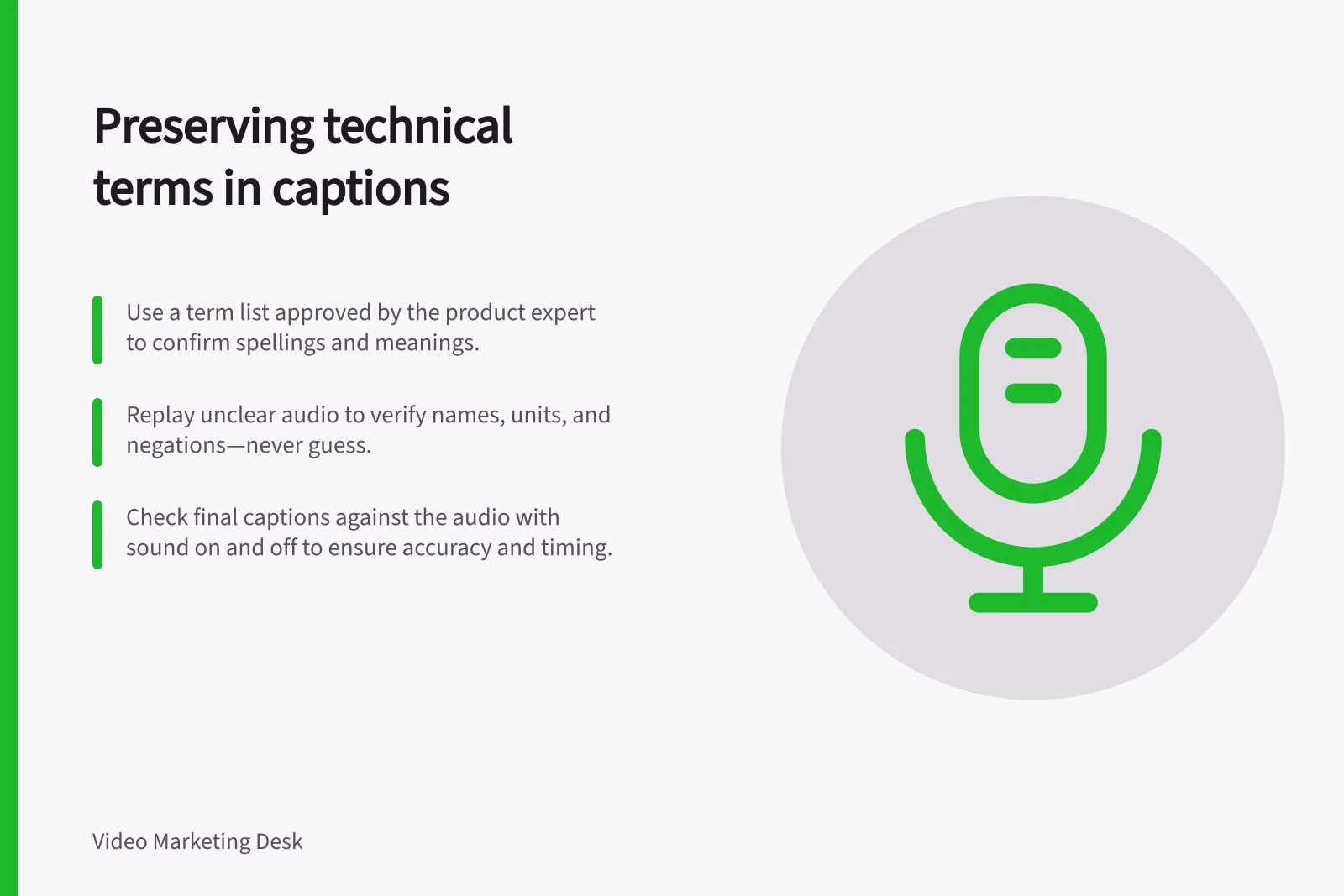
Ask the product or subject expert for the approved spelling of names, acronyms and terms used in the recording. Add units, model identifiers and ordinary words with a special meaning in context. A pronunciation note can help locate a term in the audio. Keep the list beside the script, but check the recording for what was actually said.
For example, a handover might say “API — capital letters; spoken as individual letters”. The list helps with spelling and recognition; it does not authorise adding a term the speaker never used.
Resolve uncertain words against the sound
Replay an uncertain passage with enough context to hear the sentence. Check names, numbers, units, negations and conditions separately. If the recording remains unclear, seek confirmation or use a clearer take if one exists. Do not turn unintelligible audio into a plausible technical sentence.
If the speaker used the wrong technical term, flag the discrepancy. Where possible, correct the recording or explanation, then caption the approved final version. Changing only the caption would give text readers a different claim. If speech remains unintelligible in the delivered audio, label it honestly.
Include non-speech audio when it affects understanding. An alert that changes the next step may need a short sound label; routine background noise may not. Identify a speaker when a change of voice would otherwise be unclear.
Edit for reading without changing meaning
Break a caption at a natural phrase boundary where possible. Keep it in time with the speech, and check whether its displayed position covers a critical label or result. Caption placement options depend on the player, so check the delivered view.
For most web video, non-substantive hesitations can be omitted when that helps readability. Keep words that qualify an instruction or claim. “May”, “only”, “before” and “not” can change its meaning. Captions are a text equivalent of the audio, not a rewrite of an interview.
Check the delivered version
Review the exported video with captions and sound on. Compare each term-list entry with the audio, then watch with sound off to check timing and readability. Check the caption file in the intended player, not just the editing timeline. If the soundtrack changes, update the affected cues and check them again.