Editing
Checking contrast and text size in on-screen graphics
Check authored video text against changing backgrounds, then review size and reading time in the final player layout.

Section
Editing
Check authored video text against changing backgrounds, then review size and reading time in the final player layout.
Editing
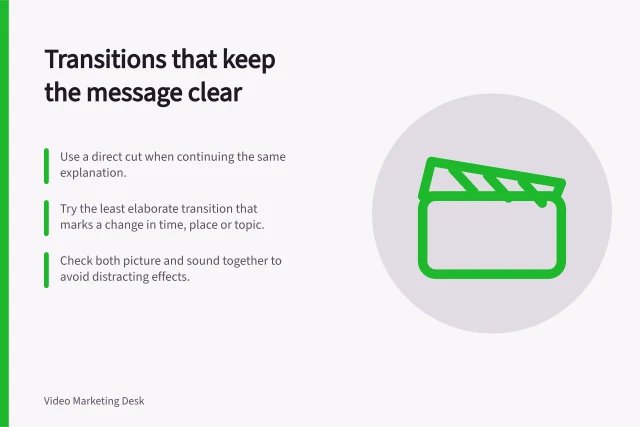
Choose cuts, dissolves and section breaks according to what the viewer needs to understand, then check the join in the final edit.
Editing
Turn final captions into a clear transcript with speaker labels, useful visual notes, readable paragraphs and an easy-to-find page location.
Editing
Make a short video preview that represents the full answer and keeps essential product, interview or result conditions visible.
Editing
Find the strongest complete answer in an interview, trim repetition and check that every cut preserves the speaker’s meaning.
Editing
Check interview joins, supporting footage, graphics, captions and short cuts against the customer’s account and evidence.
Editing
A practical editing workflow for making business videos easier to follow, from the first rough cut to a review of the final export.
Editing
Find complete interview answers with a timecoded log, check their original context and review each excerpt before reuse.
Editing
Fix uneven dialogue by identifying why the level changes, adjusting clips or phrases, then measuring the finished mix.
Editing
Identify visual facts the soundtrack misses, choose a description method and leave enough time for listeners to receive it.
Editing
Show each cursor target, selection and result clearly, then check the exported software tutorial at its intended viewing size.
Editing
Use the original audience question to review a video export, identify precise revisions and protect the meaning of factual claims.
Editing
Set purposeful review windows, consolidate video comments and give editors clear decisions before the next cut.
Editing
Show product limitations beside the claims they qualify, and check the impression created by the finished demonstration.
Editing
Choose a teachable webinar segment, restore its prerequisites and rebuild it as a lesson that works without the full recording.
Editing
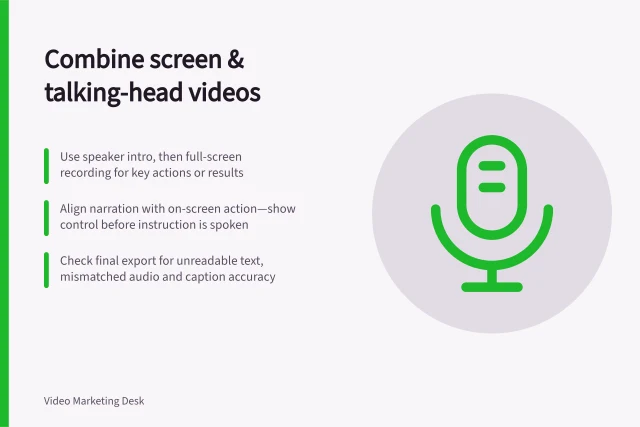
Decide when to show the speaker, the screen or both, and keep narration aligned with the actions viewers need to see.
Editing
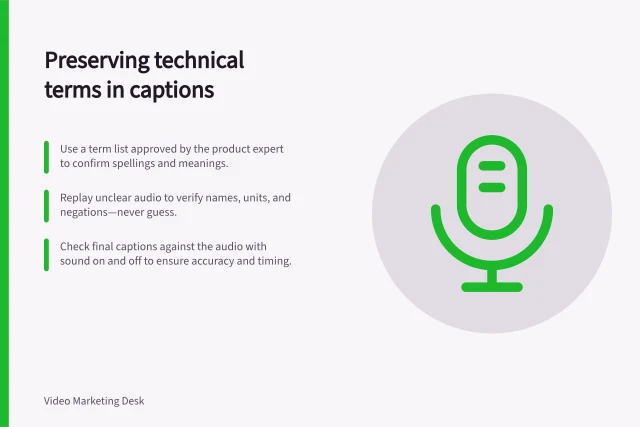
Build a term list, verify uncertain speech and edit timed captions without changing technical meaning.