Video Strategy
Part of Customer case study videos
Obtaining approval for a customer's on-camera statements
Separate participant agreement, customer organisation permission, factual verification and final-cut approval for a case study video.
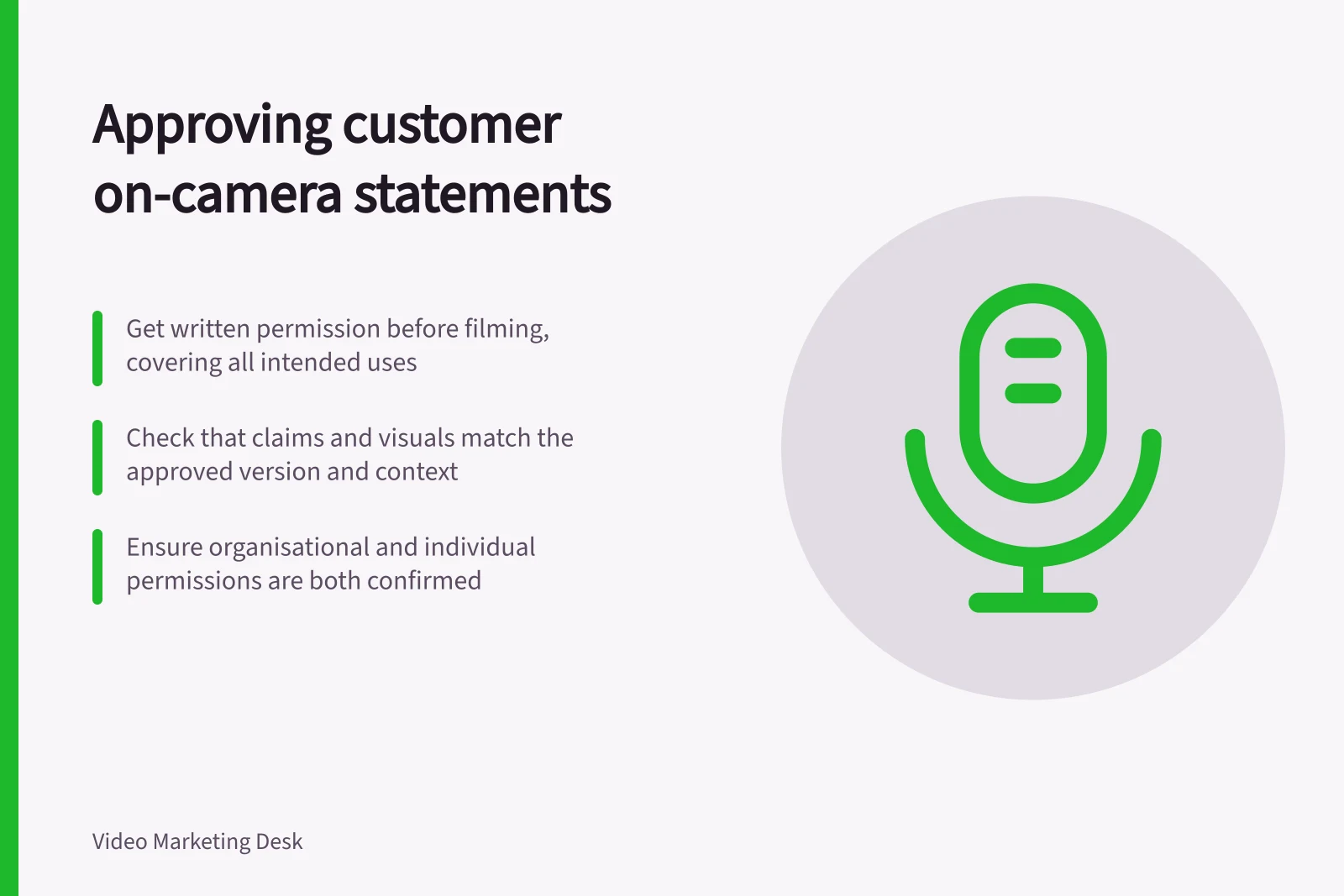
Agree on participation and intended uses before filming. Before release, check the actual cut, its claims and the permissions for the person and customer organisation shown. Record each decision against the version and use it covers. A release form alone cannot settle every project’s legal requirements.
Explain the proposed use
Tell the participant what the video is about and where it is expected to appear. Discuss any planned extracts, paid advertising, events, sales presentations or use by another party. Give them a way to raise concerns during filming.
Ask the customer organisation who may permit use of its name, logo, premises, documents and business information. An interviewee may not have that authority. Organisational permission also does not replace a discussion with the identifiable person on camera.
In Australia, photos and videos of a person are personal information under the Privacy Act 1988 if their identity is clear or could reasonably be worked out. Privacy rights depend on the situation.
Clear agreement about the proposed use is sound production practice; check the applicable privacy, contract and internal requirements for the actual project rather than assuming consent is legally required in every case.
Keep an approval record
| Decision | Question to resolve | Record |
|---|---|---|
| Appearance | Does the person understand the filming and proposed uses? | Agreement and scope discussed |
| Organisation and assets | May the business and supplied material appear? | Authorised contact and permitted uses |
| Factual claims | Are project details and any result supportable? | Claim owner, record and qualification |
| Selected testimony | Does the cut preserve the speaker’s meaning? | Cut version and response |
| Release | Is the combined picture, sound and page context accurate? | Final decision, version and placement |
Assign these decisions to people who can make them. Keep the record in the project’s approved system with appropriate access.
Review the actual communication
List proposed performance statements and figures, including outcomes implied by graphics or footage. For a measured result, check its unit, period, group and source. A trial result should remain identified as a trial result.
Send reviewers the cut, not just a transcript. A selected sentence may change meaning when its question or qualification disappears; a caption can drop a limiting word. Ask for corrections tied to a scene or time, resolve conflicting responses and identify the version being reviewed.
Return material changes to the right reviewer
A new numerical graphic, changed voiceover, shorter advert or different placement may change the message or exceed the original permission. Return the affected material to the relevant person.
If a statement cannot be approved or supported, remove it or build the story from material that can be used accurately; do not restate the same claim in narration or graphics.
Close the record with the final export, captions, accompanying text, intended placements and approval date. A later editor should be able to tell what was approved and for which use.