Sound and Lighting
Part of Lighting and camera setup for office shoots: shot checks
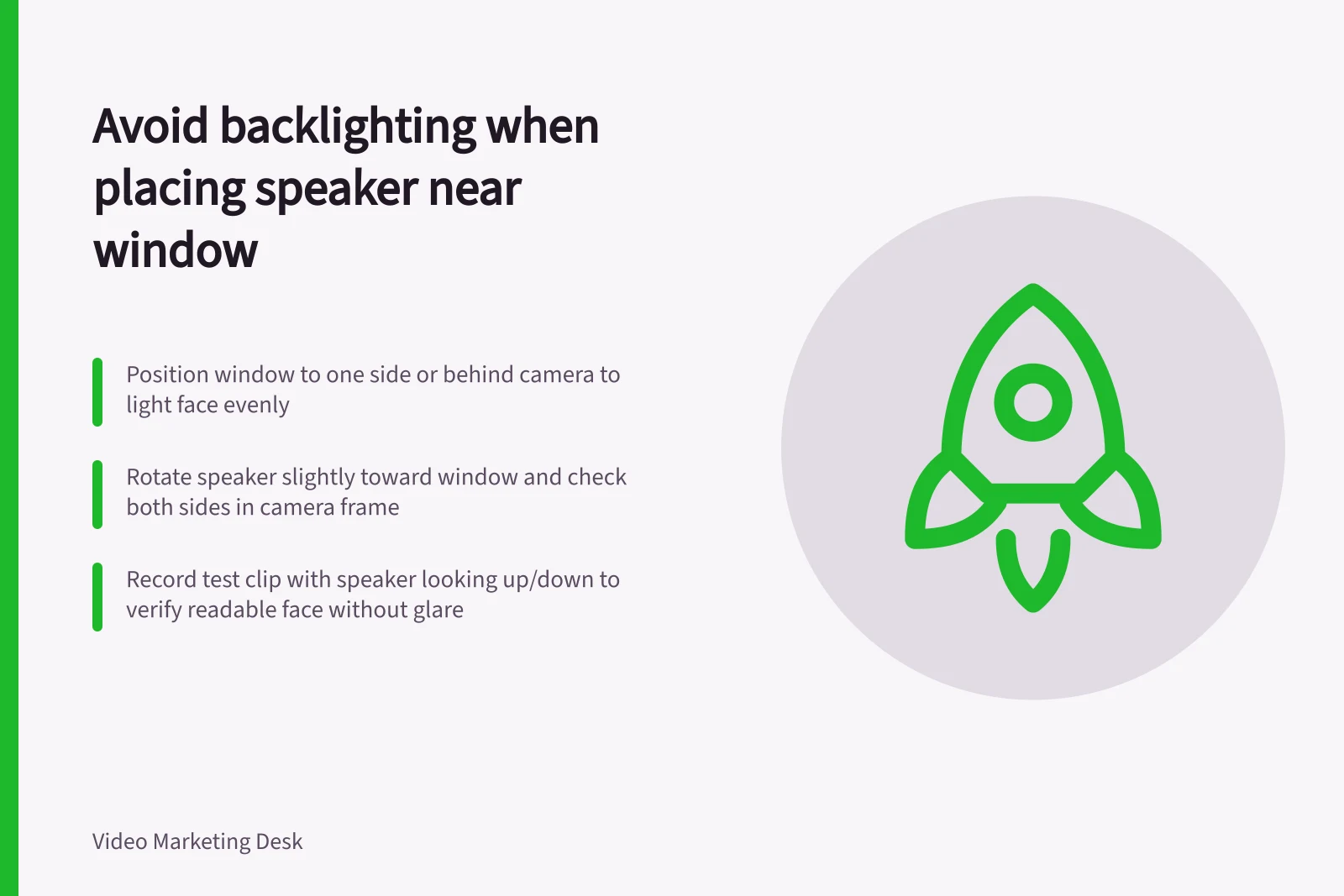
Positioning a speaker near a window without backlighting
A window can provide soft light for a speaker, but placing it directly behind them may leave the face too dark.
A window can give a speaker soft light, but directly behind them it may leave the face too dark. The camera must balance a bright exterior with a comparatively dim room; Adobe describes this as a dynamic-range problem.
Keep the window to one side of the speaker or behind the camera so light reaches the face. Rotate the speaker slightly towards it, then check both sides of the face in the actual camera frame. If the window appears in shot, move the camera or reduce its share of the frame before raising exposure; exposing for the face can wash out the window completely.
Watch how the light changes during the planned shoot. Passing clouds and late afternoon sun can make adjacent takes look different. If consistency matters, choose a time with stable light or use controllable lighting. Avoid mixing strongly different light colours without checking white balance.
Record a short test, with the speaker looking up and down, then view it on a phone. The face should remain readable without a glaring background. Once the frame works, mark the speaker and camera positions so later takes can be repeated.
Key Considerations for Camera Exposure in Natural Light
- Dynamic Range Challenge
- High contrast between bright windows and dim interiors can cause exposure loss
- Light Consistency
- Changing sunlight affects image quality across takes
- White Balance Stability
- Mixed light colours (e.g., daylight vs. indoor bulbs) require manual correction