Video Strategy
Part of Measuring owned video performance
Comparing video performance across different page types
Group website videos by page purpose, use comparable denominators and avoid misleading site-wide rankings.
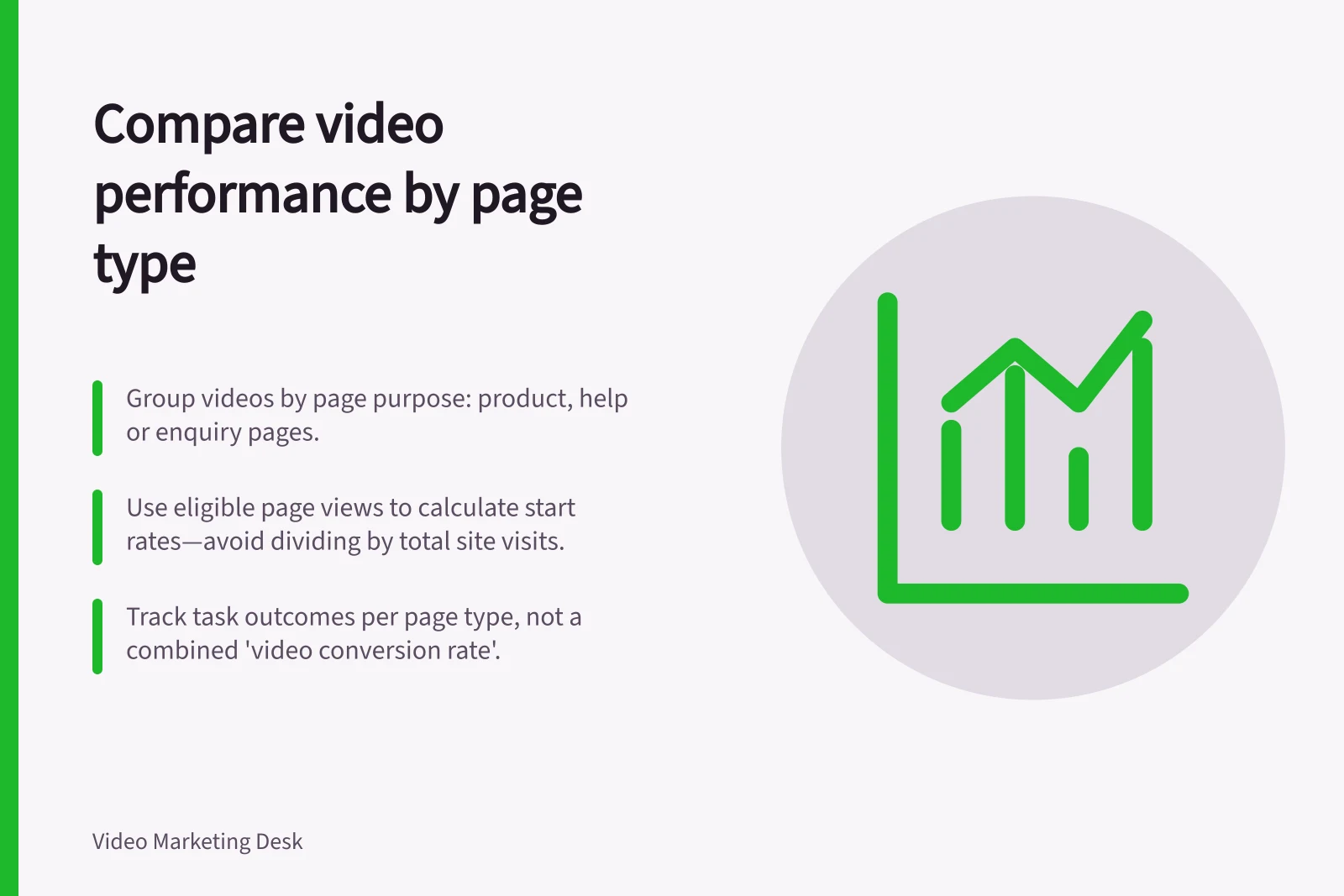
Group videos by the job their pages perform, then compare like measures within each group. A help article, product page and enquiry page can all carry video, but one site-wide play rate can hide their different visitor intentions.
Define the page groups
Assign each video placement to a page type and describe that type’s purpose. A product page may help visitors judge fit; a help page may support a specific task. Keep mixed-purpose pages visible as a separate group if another label would distort the comparison.
In GA4, content groups can categorise pages when configured. A separate reporting table can serve the same purpose. Check the labels when templates or URLs change. If one page contains several videos, retain a video and placement identifier as well as its page type.
Use the same counting unit
For each placement, define an eligible page view as a view where that video was available for use. Count the page views with at least one start separately from total start events, which may include replays. This keeps a start rate based on page views interpretable. A page view does not prove the visitor noticed a player farther down the page.
Keep counts beside rates. Do not divide starts by total site visits. Do not add page-level session rows as though each session belonged to only one page type: a visitor can see several types in one session. Page-path session rows can sum to more than the deduplicated property total.
A useful report can show page type, eligible page views, page views with a start, chosen viewing measure, task outcome and measurement note. Record differences in automatic playback, player behaviour and event collection. If these differ between groups, qualify the comparison.
Keep outcomes tied to page purpose
Use one viewing threshold across videos only when it means roughly the same thing for each. The same proportion of a short product clip and a long tutorial need not represent comparable exposure to an answer. Choose the useful point for each video and examine results within a page type before combining them.
Outcomes may also differ. A product page might support a confirmed enquiry; a help page might support a correct setup step; an information page might require a task-based research question. Do not combine those into an unexplained “video conversion rate”. Compare each type against its own purpose and prior performance.
Check whether the mix changed
Compare periods with the same definitions. Note changes in traffic source, device mix, video version, placement and the share of visits to each page type. A site-wide rate can move because the mix of page views changed even when performance within each group did not. Look at group-level counts before attributing a change to the videos.
Finish with a decision for each page type: investigate visibility, revise the video’s answer, improve the surrounding page or strengthen outcome measurement. For a help page, check whether visitors complete the setup step before revising the video’s explanation.