Hosting and Delivery
Part of Video hosting and website delivery: embeds and playback
Choosing a poster image that explains the video
Choose an accurate video poster that explains what viewers will see, stays clear on the page and works in the player.
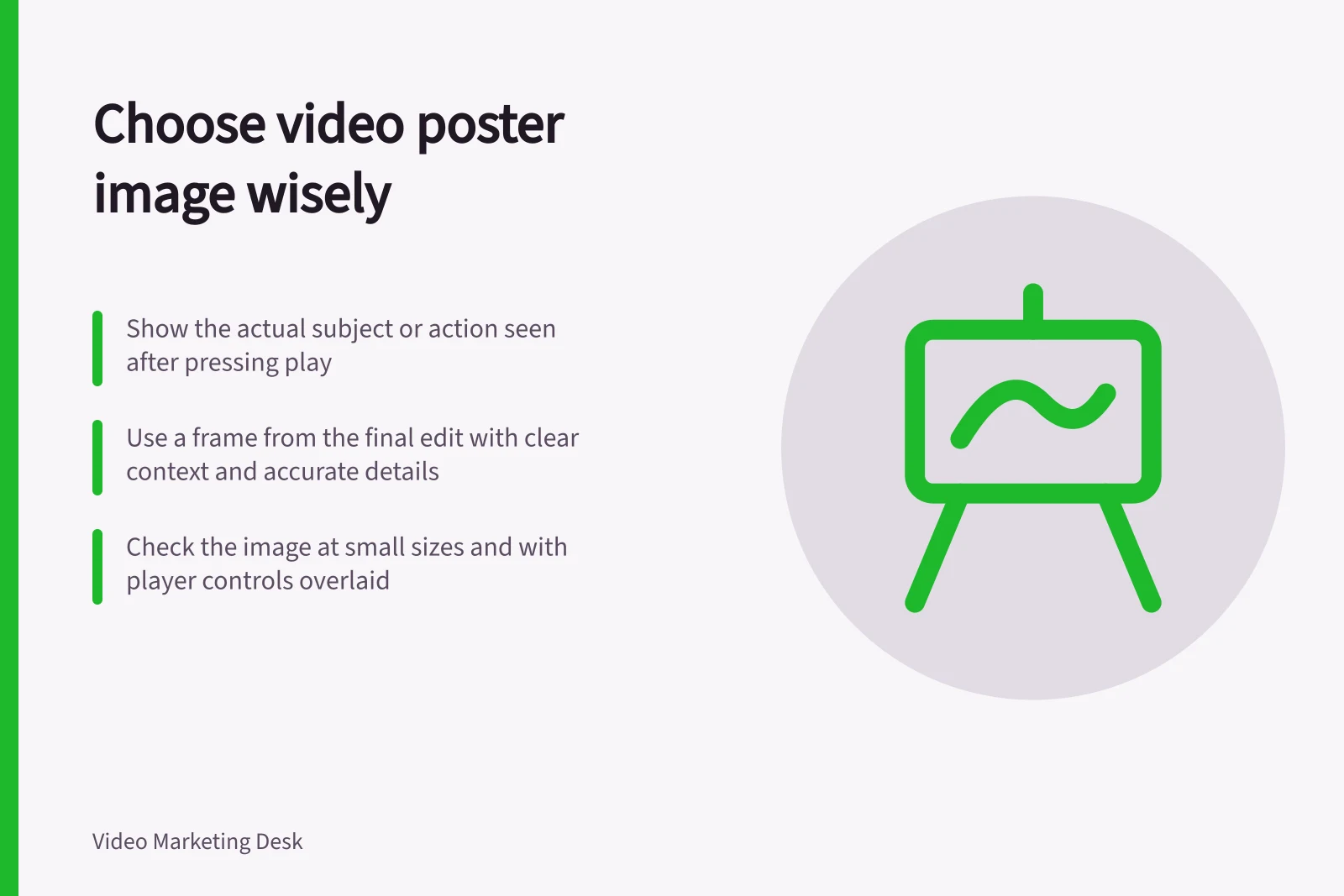
Choose a poster image that shows what someone will see after pressing play. It should identify the subject or action, match the finished video and stay clear at the size used on the page. An image that promises a result the video never shows is a poor choice.
Find the useful moment
Write the video's job in one sentence, then review frames from the final edit. For a product demonstration, a frame might show the product and the part being operated; for a software walkthrough, the task screen with the relevant area visible. For an interview, the speaker and a short topic label may orient the visitor. These are examples, not rules for every video.
Choose a frame with enough context to understand the action. A close view of a hand or button may be hard to interpret alone. A final result can work if the video explains that result and actually shows how it was reached.
A separately designed poster can be useful, but check its product version, interface, people and claims against the video. Do not show a later design or add an outcome the video does not support.
Check the image in the page
Review the crop in the player's actual shape at narrow and wide widths. Keep the subject visible as the page shrinks. Allow for the play control: it should stay easy to recognise without covering essential words or details. Put fuller context in ordinary page text, not words inside the image.
Compare candidate posters with five questions:
- Can a visitor tell what video will open?
- Does the image represent its actual subject or result?
- Are visible product details and words accurate?
- Is the subject clear at the smallest intended display size?
- Does it work with the player control over it?
Check the delivered player and search context
A native HTML <video> element can display an image specified by its poster attribute. A hosted embed may use the provider's separate thumbnail settings or its own preview. Confirm what appears in the delivered player.
For Google video features, a valid thumbnail is one requirement; Google also requires an eligible watch page for video indexing. A suitable poster alone does not turn a supporting product or article page into a watch page, and it does not guarantee indexing or display. If Google is to use the thumbnail, it must remain accessible at a stable URL.
A prominent poster may contribute to the page's largest visible content. If the native video uses loading="lazy", its poster is deferred too. Check whether that image is in the initial view before choosing a loading setting.
Revisit the poster whenever an edit changes the product, speaker, screen or result shown.