Hosting and Delivery
Part of Video hosting and website delivery: embeds and playback
Providing a fallback when a video player cannot load
Keep a video page useful when playback fails with visible written answers, accurate messages and a working alternative route.
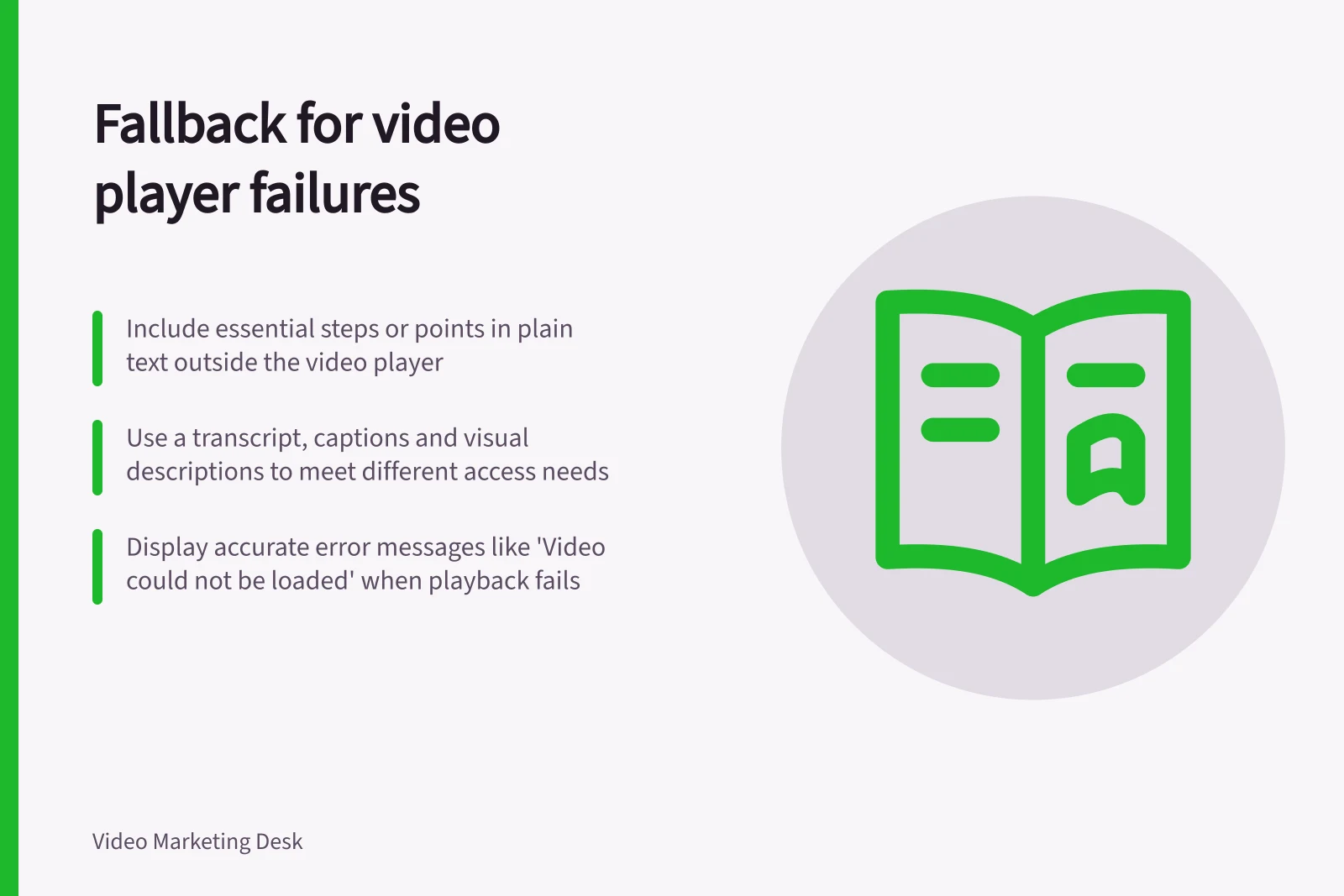
Keep the essential answer outside the player, then offer a next step that works when playback fails. Written steps or a descriptive transcript can preserve that information. A second play button pointing to the same unavailable video cannot.
Plan for different failures
An embedded service may be blocked or unavailable; a direct file may fail to load or use a format the browser cannot play. A visitor may also prefer reading. Decide what they must still know or do, then put that answer in ordinary page text.
For a task video, include the steps and expected result. For an explanation or interview, provide the essential points in readable text and a transcript where appropriate. Captions, transcripts and description of important visuals address different access needs; one should not be presented as a substitute for all the others.
Put the alternative outside the player
Text between a native HTML <video> element's opening and closing tags is shown when the browser does not support that element. It does not automatically appear every time a video file fails.
The browser can try multiple listed sources in sequence and still reach an error. Keep critical text outside the element. If the page needs an error message, implement it using the media element's error state and check the response.
For an external iframe, keep the written alternative outside the frame too. A provider watch page may help when embedding fails but the hosted video remains available. If the provider has removed the video, that link will fail as well.
Do not assume the parent page can tell why playback inside a provider's frame stopped; use only a failure message the implementation can support.
| Situation | Useful response |
|---|---|
| Player does not appear | Leave the page answer visible and offer a maintained viewing route if one exists. |
| Direct file reports a loading error | Give an accurate message and a different usable route; retain the text answer. |
| Video plays without usable captions or controls | Correct the media assets or player; page text alone does not repair the player. |
| Visitor chooses to read | Make written steps or the transcript easy to find without pressing play. |
Make the message accurate
Say only what the page knows. 'Video could not be loaded' is safer than guessing that the visitor has a connection problem. Name the available action, such as 'Read the steps below' or 'Open the video on its watch page' when that destination is maintained and permitted.
A delayed player also needs a real, keyboard-operable play control. If the script that inserts it fails, the page must still expose the written answer and any independent viewing route. Keep those routes current when the video or provider changes.
Accessibility and fallback metrics from WAI guidelines
- WCAG Success Criterion 1.2.1 (Audio-only and Video-only)
- Requires a text alternative for all prerecorded audio and video content
- WCAG Success Criterion 1.2.3 (Audio Description)
- Provides description of key visual content for videos without narration
- HTML5 Video Fallback Support
- Browsers display text between <video> tags if the element is unsupported