Hosting and Delivery
Part of Managing an outsourced video project
Receiving project files and usage permissions at handover
Check delivered video files, editable assets, captions and permitted-use records before accepting a supplier handover.
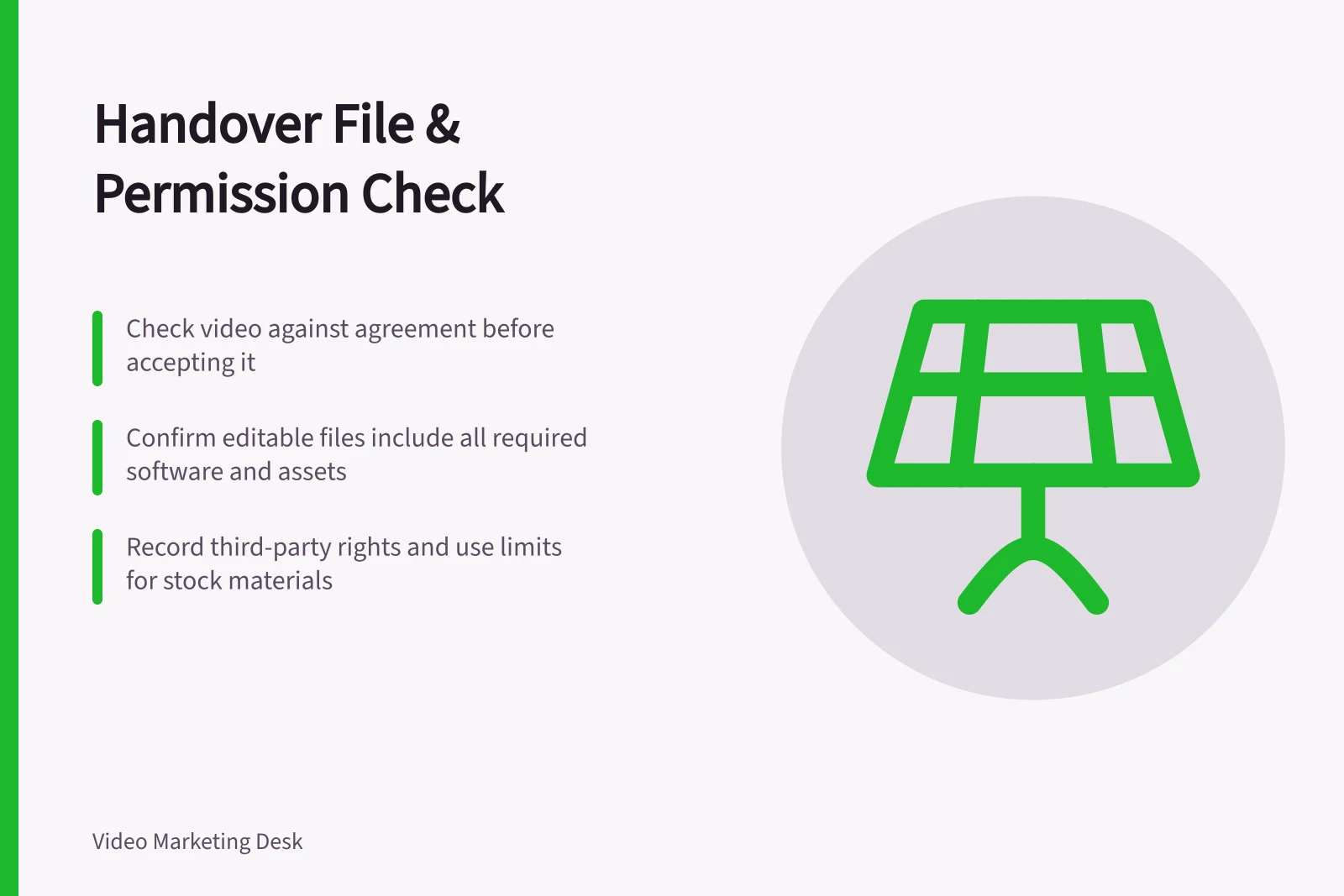
Check a video handover against the agreement before accepting it. Identify and open the promised files, confirm which versions are final and record where each asset may be used. A playable export alone does not establish that editable files were included or that every element may be reused in a new placement.
Match the files to the agreement
Ask for a manifest naming each asset, format, version and purpose. Check the finished videos and then each agreed companion item: perhaps caption files, transcripts, poster images, graphics, audio mixes or editable project files. Raw footage and working files should appear in the agreement if the client needs them; their transfer should not be assumed from a commission for a final export.
A typical manifest lists the master export and web versions, caption files such as SRT or WebVTT, a transcript, the final audio mix and stems, still images, and the editing project with its media folder. Each line carries a version number and the date it was approved.
Open every promised final asset in the tools your team will use. Confirm that the videos play, the intended framing is present and captions correspond to the correct final version. Distinguish approved exports from previews in the filenames and acceptance record.
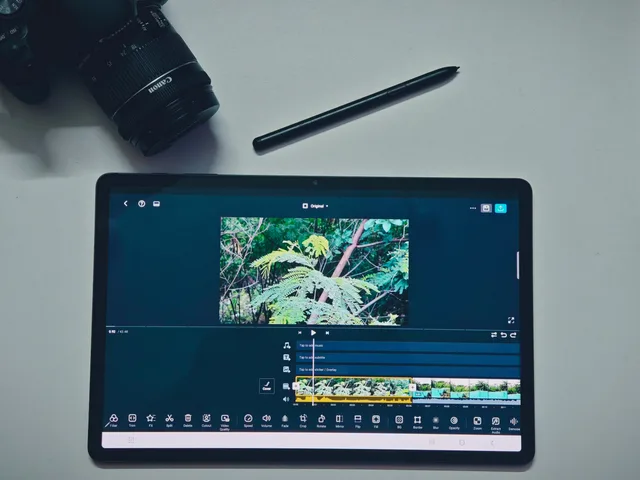
For editable files, ask which software and version they require and whether linked media, fonts, plugins or graphics are included or separately licensed. Record missing dependencies and the practical alternative agreed with the supplier. A project file that opens without necessary assets may not support a later update.
Steps to Verify Project File Delivery and Usage Rights
- Request a manifest listing all assets, formats, versions and purposes
- Open and verify each final asset in intended tools (e.g., video editor, player)
- Confirm editable files include linked media, fonts, plugins and correct software version
- Check synchronisation licence for music used in video
- Record missing dependencies and agree on practical alternatives
Check rights separately from possession
Receiving a file, owning rights in work created for the project and holding permission to use it are different matters. business.gov.au lists assigning intellectual property rights as one of the terms to set out when preparing a contract with a contractor, so the agreement is the first record to check.
Compare its terms with the uses the client needs: publishing the finished video, making shorter cuts, editing it later, giving it to another agency or using it in paid placements. Resolve an unclear use before relying on it.
IP Australia separates background IP, created before or outside the work, from project IP created during it and third party IP owned by someone else. Record the supplier's background material and third-party assets separately from project-created work. For third party IP, the owner needs to agree to its use, and the licence should outline the circumstances, timeframes and any sub-licensing.
For stock footage, graphics, fonts and music, request the asset and rights holder or provider, the licence or permission record and any use limits relevant to the planned placements. A label such as “licensed music” does not identify which rights were cleared.
For commercial music set to video, ask for the synchronisation licence, or the music library's licence terms. A OneMusic Australia licence, the APRA AMCOS and PPCA joint initiative, is a public performance licence to play music and does not show that a track may be built into an advert.
Rights vs. Possession: Key Distinctions in Video Deliverables
- Ownership of intellectual property
- Legal title to the work, defined in contract
- Usage permission
- Right to reuse, edit or distribute under agreed terms
- Background IP
- Pre-existing material owned by supplier
- Third-party IP
- Stock footage, fonts, music – requires separate licence
Record intended use of people and places
Check the recorded basis for using identifiable participants and any organisation's name, logo, premises or supplied material in the planned placements. Ask for the signed talent or contributor releases, any location or premises permission and written approval for third-party names or logos, and keep them in the organisation's approved system.
The OAIC says photos and videos of a person are treated as personal information under the Privacy Act 1988 if their identity is clear or could reasonably be worked out. The applicable privacy and permission requirements depend on the circumstances, so do not assume that one standard form covers every person or later use.
A future paid advert, different audience or substantially edited extract may need another permission check. Record the question rather than assuming the original website-video approval covers it.
Close with visible exceptions
For each promised asset, record whether it was received, opened, matched to the approved version and supported by the necessary use record. Identify the final master and its storage owner. If a file, dependency or permission is unresolved, name the gap and the supplier action needed. Follow the agreement's acceptance terms; do not silently mark the whole handover complete.