Video Strategy
Part of Product demonstration videos that answer buying questions
Choosing the product steps worth showing on camera
Choose demonstration steps by the buying decision they inform, the action they reveal and the conditions they need to show.
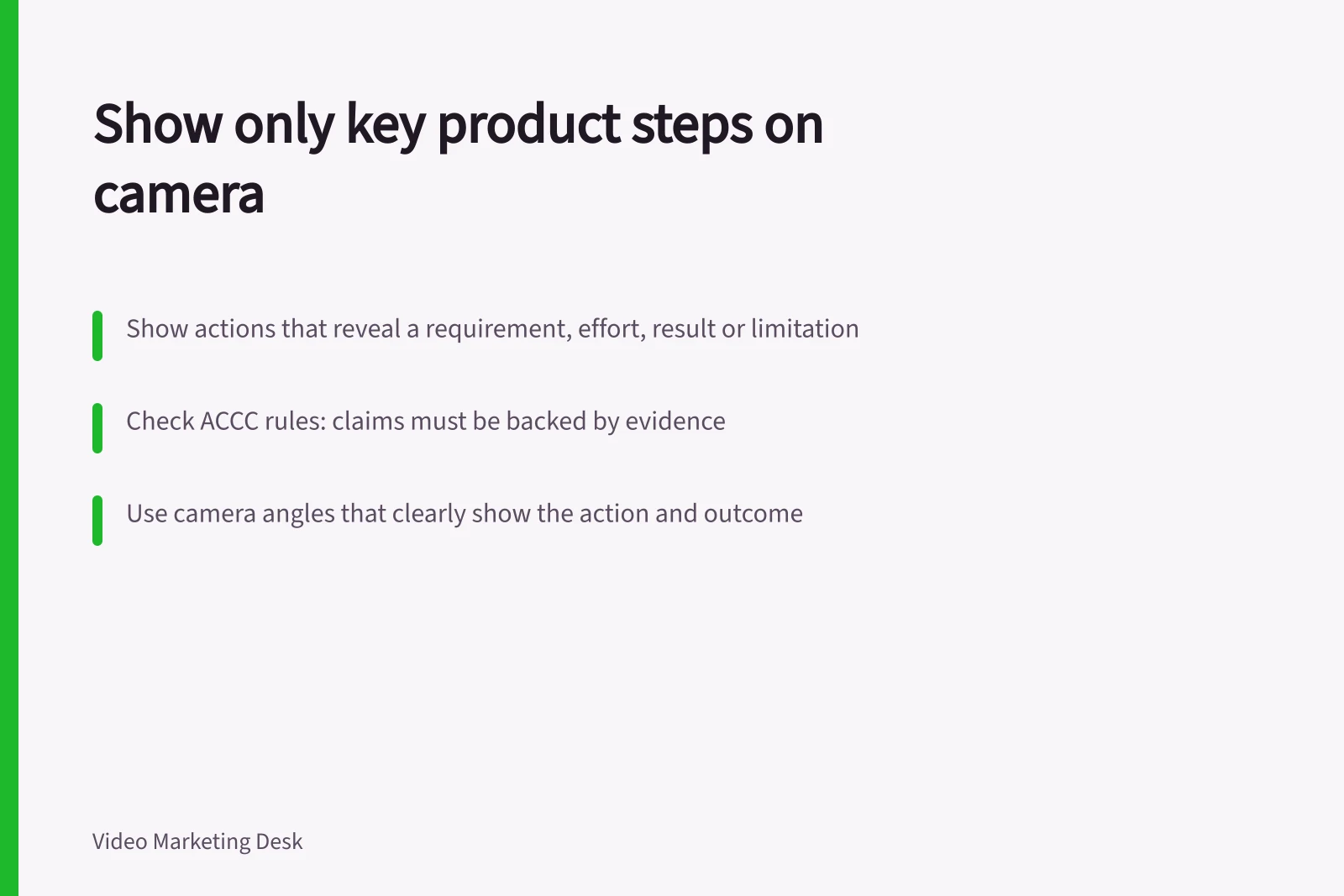
Show a product step when seeing it helps a buyer decide whether the product fits their needs. Prioritise actions that reveal a requirement, effort, result or limitation that words alone may leave unclear. A buying demonstration need not reproduce an operating manual.
Start with the buyer’s uncertainty
List the questions that arise before purchase. For each, write the action a buyer would need to see and the decision it informs. “How does the cover lock?” identifies a useful candidate. “Show every button” does not identify a buying decision.
Check the product facts before selecting a step. An action may look simple in a showroom yet depend on an accessory, prepared surface or specific model. Record that dependency.
The ACCC accepts reports about possible misleading or false claims, and can require businesses to back up claims they make about their products or services. The visible sequence matters as much as the spoken explanation.
Regulatory guidance on product claims in Australia
- Regulator
- Australian Competition and Consumer Commission (ACCC)
- Requirement
- Businesses must be able to back up claims about products or services
- Enforcement power
- Can require businesses to substantiate claims
Select steps for what they show
Use three questions to sort candidates:
- Does it inform the decision?Would seeing the action change how someone assesses fit or use?
- Can the camera show it accurately?Can the starting state, action and result appear without concealing a required step?
- Can a viewer follow it?Will they know which part is being handled and what changed?
An action with no buying-decision role may belong in a tutorial after purchase. If the camera cannot show it accurately, change the plan or give the answer in text. If the action is hard to follow, plan a clearer angle or a simpler example.
For a folding trolley, opening and locking the frame could show both the hand action and the resulting position. Repeating the opening from several decorative angles would add little. Footage of a trolley carrying one load would not, by itself, establish its rated capacity; that claim needs approved product evidence.
Keep the smallest complete sequence
Give each selected step a beginning, action and outcome. Show where the viewer is on the product before cutting close. Let the action finish and hold on the result. If an accessory is attached before the filmed action, show or state that preparation.
A shortlist can record four things for each step: the buyer question, required starting state, visible action and result, and condition to state. Combine steps that answer the same question. Keep setups separate when joining them would make the process appear easier or more widely applicable than it is.
Dimensions, included parts and compatibility lists may be clearer on the product page, where buyers can check them without replaying a clip. The video can show the physical relationship while the page carries the exact detail.
Check the shortlist before filming
Walk through the chosen steps with the product owner and a representative sample. Confirm the model, setup and result. Then check whether a first-time viewer could identify each part, follow the action and tell what happened. Pass those steps and their conditions to the shot planner.